Accelerate your 3D modeling workflow with Matterport BIM files.
The most cost-effective way to boost productivity in your documentation and design workflows.
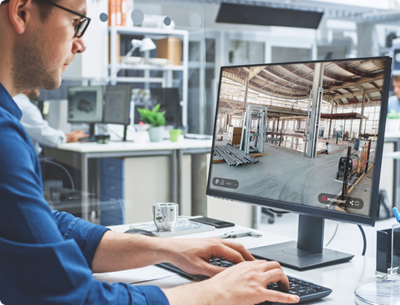
Get your BIM files directly from your Matterport scan.
Matterport simplifies the creation of 3D models using data from real-world scans. Our service eliminates manual scan conversions, providing teams with LOD 200 BIM files to jumpstart documentation and design.
Get your BIM files in days, not weeks.
Capturing existing conditions to support 3D modeling takes time and expertise. With Matterport BIM files, you skip the upfront time drain and dive straight into project requirements, knowing you have an accurate LOD 200 foundation.
INTEGRATION
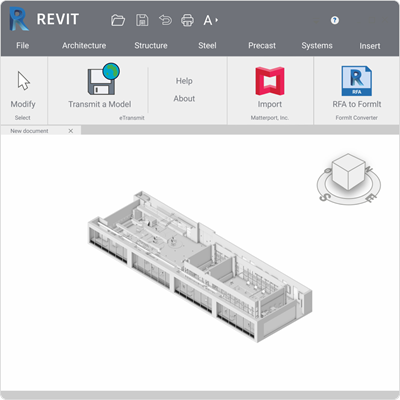
Workflow automation with our Autodesk Revit plug-in.
In addition to Matterport BIM files, we provide a plug-in for Autodesk® Revit that allows you to import BIM files and point cloud formats directly from your Matterport account, bypassing manual file conversions. The Matterport Revit plug-in is free on the Autodesk App Store.
Interior property modeling with multiple output options.
With a Professional subscription or higher, you can get your BIM files in as little as 2 business days. Our versatile offering provides five different architectural element output options for maximum flexibility.
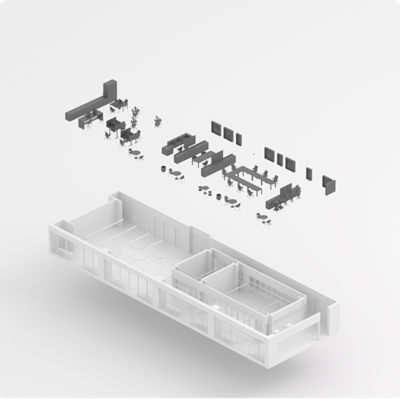
Architecture and interior furniture.
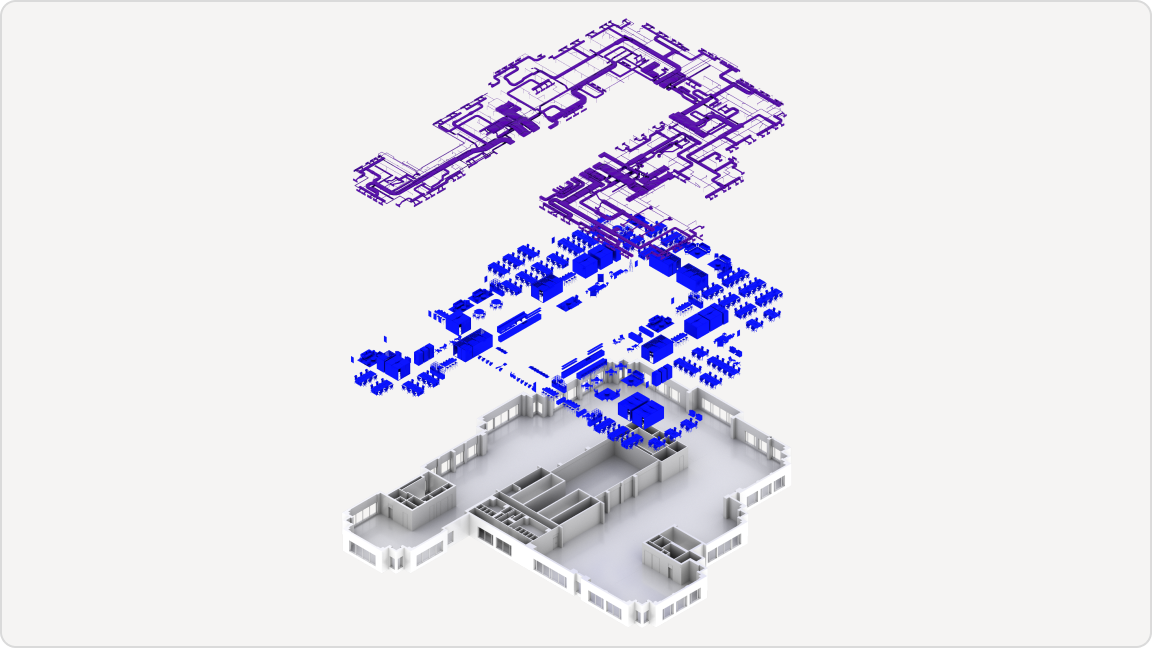
Expand possibilities with generic models of non-architectural elements like desks, seating, cabinets, appliances, and wall fixtures. This comprehensive package adds depth and realism to your projects.
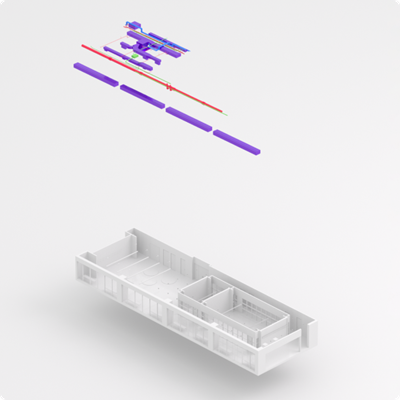
Architecture and MEP
Get comprehensive models of existing conditions: interior architecture and visible MEP systems modeled to dimension. Includes mechanical equipment, piping, plumbing, and electrical outlets.
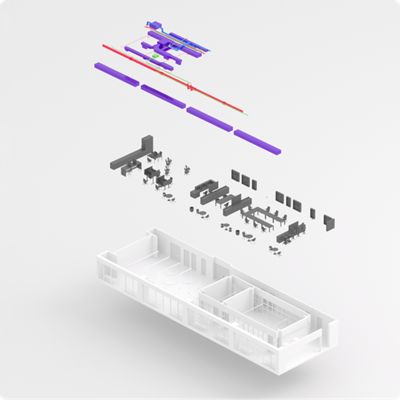
Architecture, MEP, and interior furniture
Dive deep into details with a broad representation of interior architecture, furniture, and mechanical, electrical, and plumbing systems. Experience the closest modeling to the Matterport digital twin.
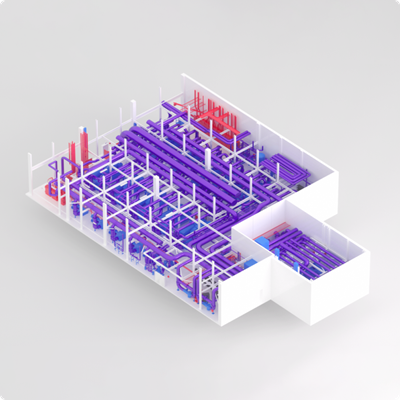
Architecture, complex MEP, and industrial spaces
Custom-built models for engineering workflows in complex mechanical and manufacturing spaces. Ideal for utility rooms, supply centers, and production facilities.